CS184/284A Spring 2025 Homework 1 Write-Up
Names: Kenny Wang, Harris Thai
Link to webpage: https://kilowatt.github.io/cs184/1/index.html
Link to GitHub repository: ABGs
Overview
In this homework, we implemented a rasterizer with supersampling, transformed shapes using matrices, interpolated colors with barycentric coordinates, and applied textures using pixel and mipmap level sampling. On the whole, we have learned how to render and manipulate vector graphics, antialias and color them, and how to apply textures to them. We thought this homework was quite fun, as it started off simple with testing what points are in a triangle to subdividing them for antialiasing. We were able to use our linear algebra knowledge to translate, rotate, and scale shapes as well as see how barycentric coordinates can be practical in not just interpolating colors, but in pixel sampling as well. Lastly, we learned the genius of mipmaps and how they help efficiently capture texture features and transform them into other shapes.Task 1: Drawing Single-Color Triangles
We rasterize triangles by iterating through the bounding box of the triangle and filling it if it is inside the triangle as determined by the line equation tests. The bounding box is given by the smallest and largest x and y coordinates among the triangle’s vertices. For a point to be inside, evaluating the line equations must either result in values all less than or equal to 0, or all greater than or equal to 0. Our algorithm is no worse than one that checks each sample within the bounding box of the triangle because it literally checks each sample within the bounding box of the triangle.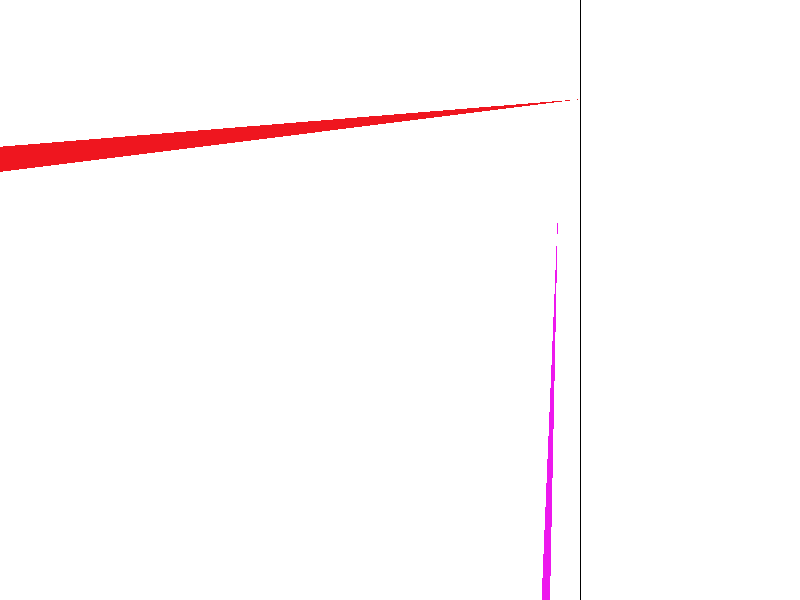
Extra Credit
Note: Some of our optimizations were post-supersampling!To make our triangle rasterizer extra fast, we implemented a number of optimizations. Firstly, we tried to improve cache locality, especially with supersampling. Our old method of storing the sample buffer involved essentially storing using x and y indices, except with sqrt_rate more indices in each direction. However, since these sampled points are operated on in groups corresponding to each original regular-sized pixel, it is more efficient to store all supersamples for a pixel together in memory. So, we switched to storing all sample_rate supersamples for each pixel together, improving cache locality.
Another trick to improve cache locality was to swap the order of our x and y loops. The y-loop being on the outside improves the sequentiality of cache accesses.
Certain repeated arithmetic sub-calculations could be lifted outside of inner loops in both rasterize_triangle and rasterize_interpolated_color_triangle.
Finally, we reduced the amount of pixels checked with a simple trick. We know that all pixels within the triangle in any given row of the bounding box must be consecutive. Any pixels after the end of the triangle in a particular row are guaranteed to be outside as well, so we can cut the loop for each row short.
To test our optimizations, we did timing tests on /basic/test3.svg, with default settings except for supersample rate 16, averaging over 20 trials. With these optimizations, we seem to be about 3.5% faster.
| Optimization | Avg Clock Cycles |
|---|---|
| Unoptimized | 58.0 |
| Cache-Optimized | 56.75 |
| All Optimizations | 56.0 |
Task 2: Antialiasing by Supersampling
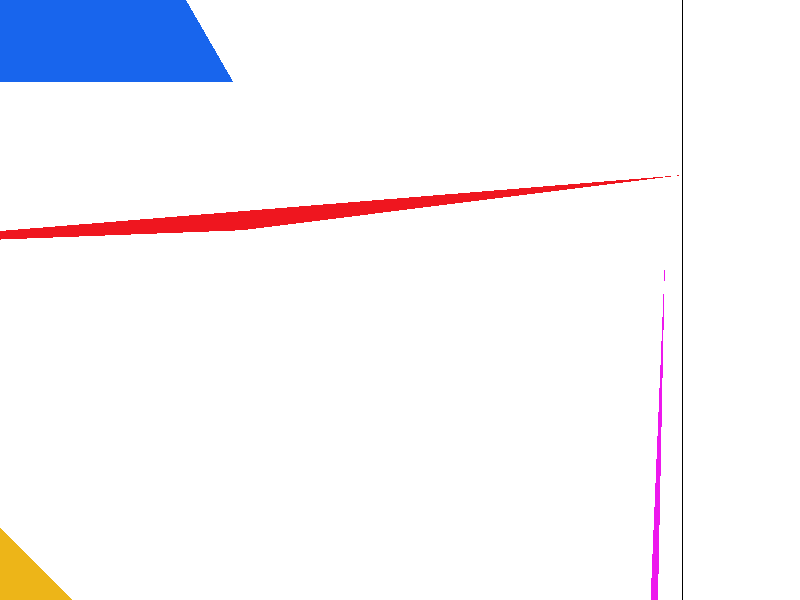
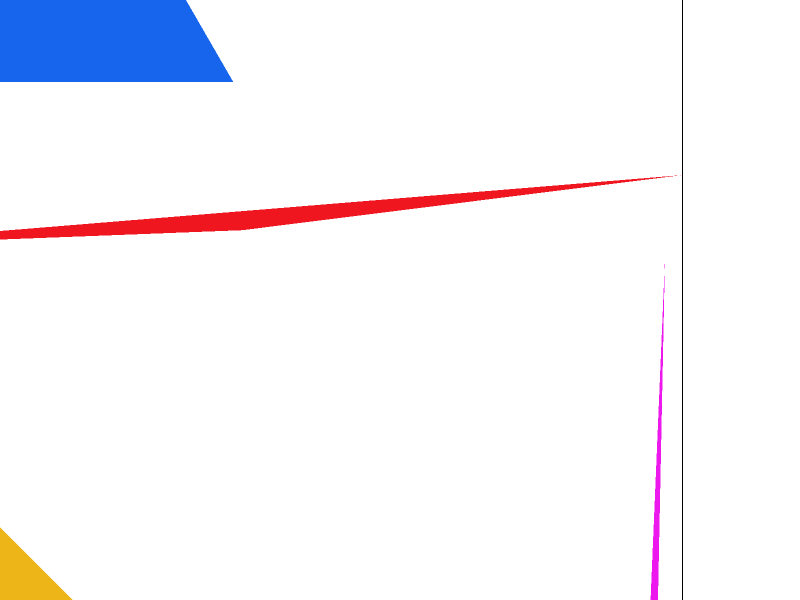
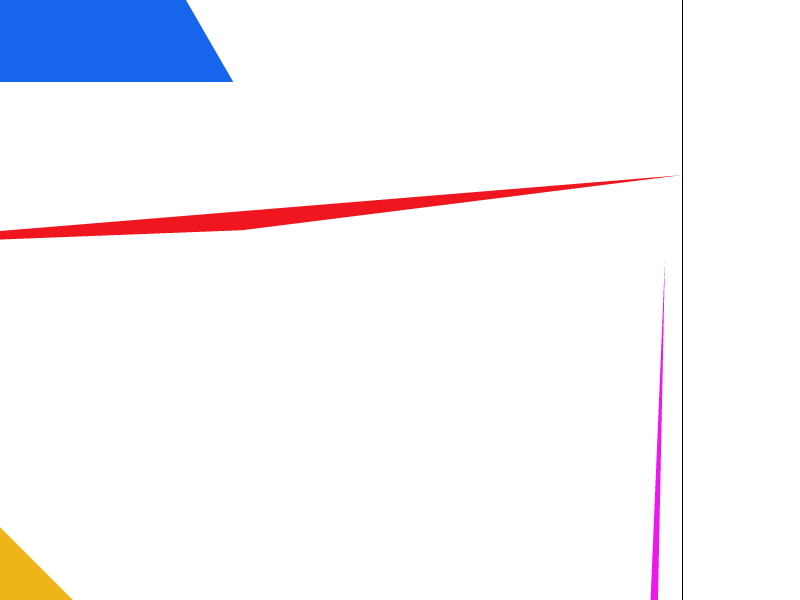
To supersample, we divide each pixel into sample_rate subpixels and rasterize them. Therefore, we populate the sample buffer with sample_rate values per entry in the frame buffer. We resolve to framebuffer by taking the average of the sample_rate subpixels corresponding to each pixel. Supersampling is useful because taking more samples and then downsampling means that the image is smoother and there are less jaggies. To support supersampling, we had to modify fill_pixel to populate sample_rate subpixels in sample buffer for every pixel so that resolving to framebuffer would still work for rasterize_point and rasterize_line. The smoothing that supersampling provides helps us antialias the jagged edges on our triangles.
|
|
|
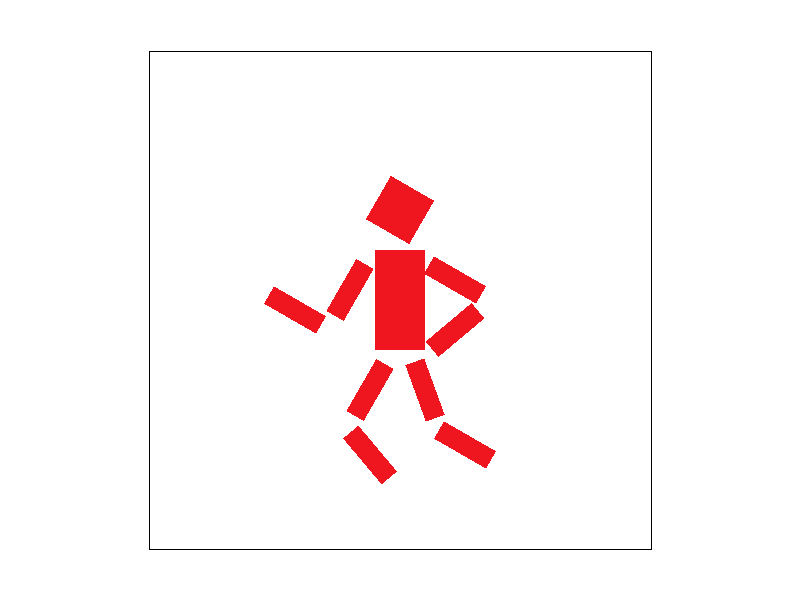
Task 3: Transforms
Task 4: Barycentric coordinates
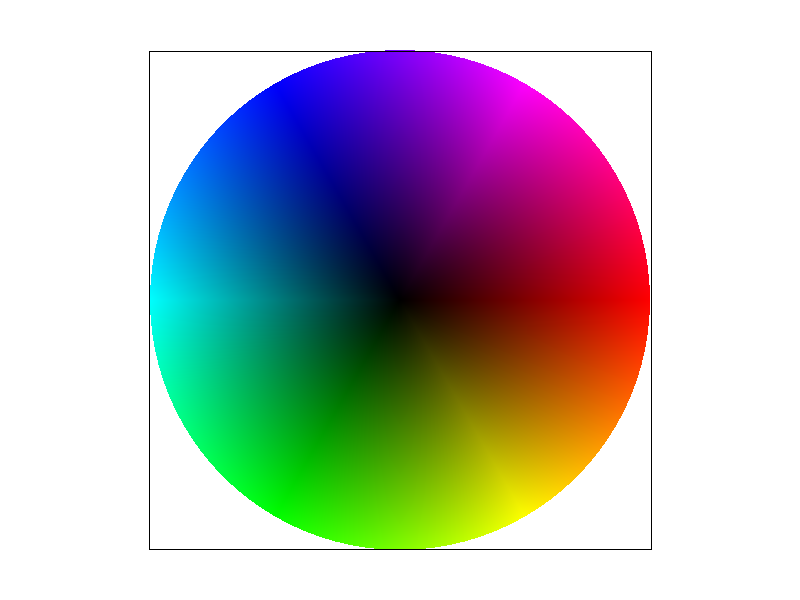
Barycentric coordinates are coordinates that represent points by their relative distance from the vertices of a triangle.
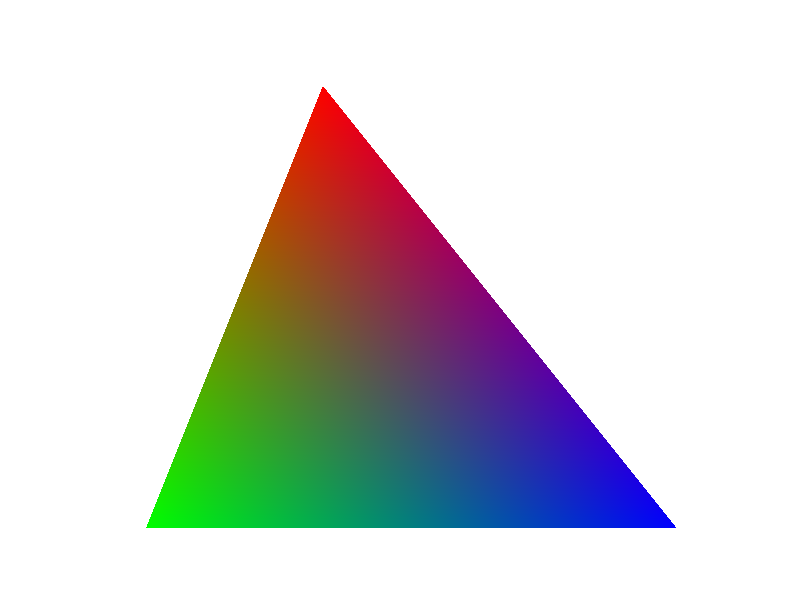
To demonstrate, above is a triangle whose vertices are red, green and blue with the colors in between interpolated using barycentric coordinates. For example, the barycentric coordinates at the red corner are (1, 0, 0), indicating that the point is maximally close to the red corner and therefore, the color should be as close to red as possible. The point directly in between the red and green corners has barycentric coordinates (0.5, 0.5, 0), showing that it is equidistant from the red and green corners and it should therefore be a color that is 50% red and 50% green, corresponding to their barycentric coefficients. Lastly, the point in the median has barycentric coordinates (⅓, ⅓, ⅓), which implies an equal mixing of red, green, and blue. Every other point is interpolated using the same logic to create a visually appealing, yet simple color gradient.
Task 5: "Pixel sampling" for texture mapping
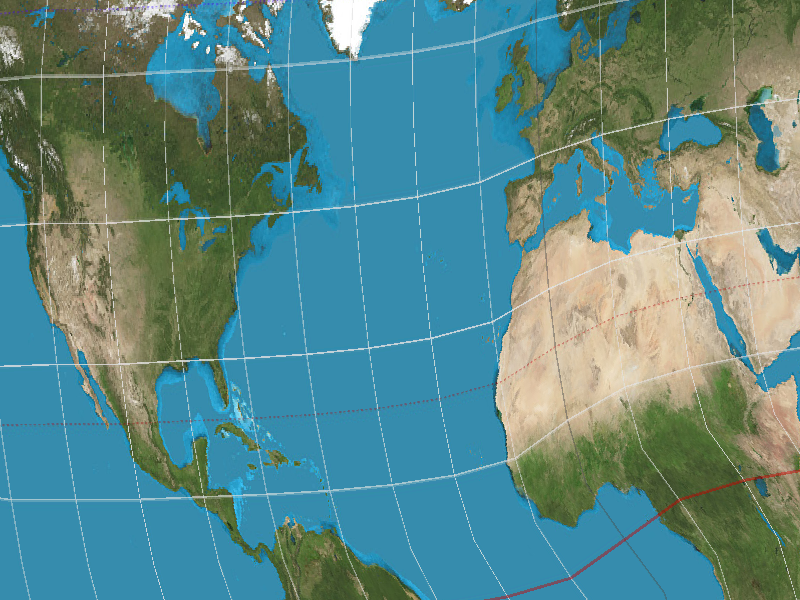
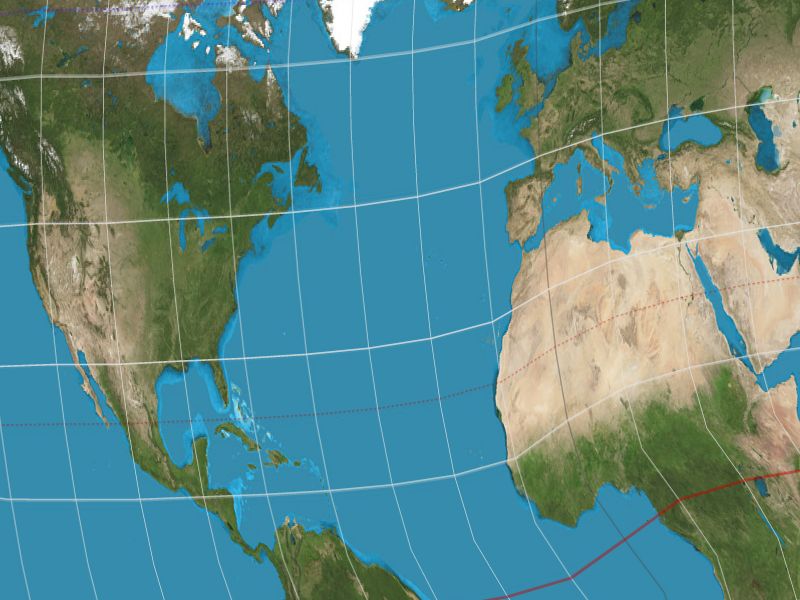
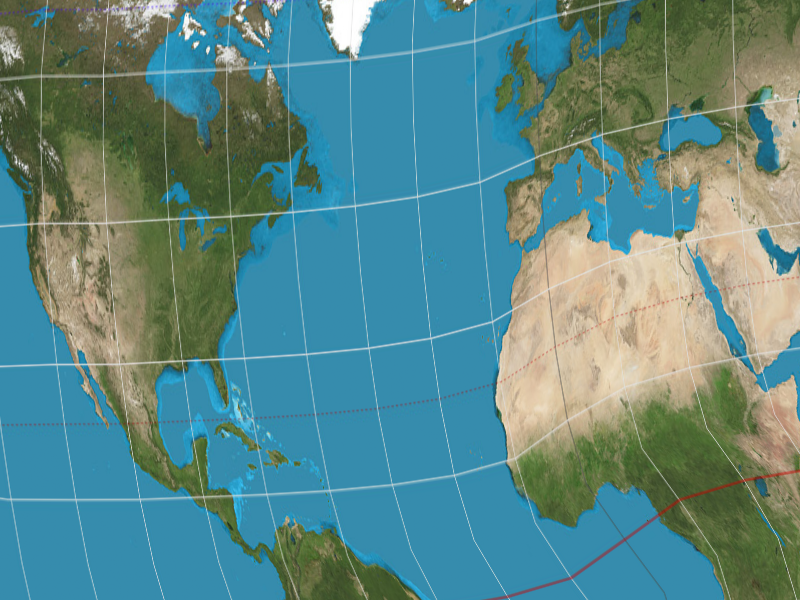
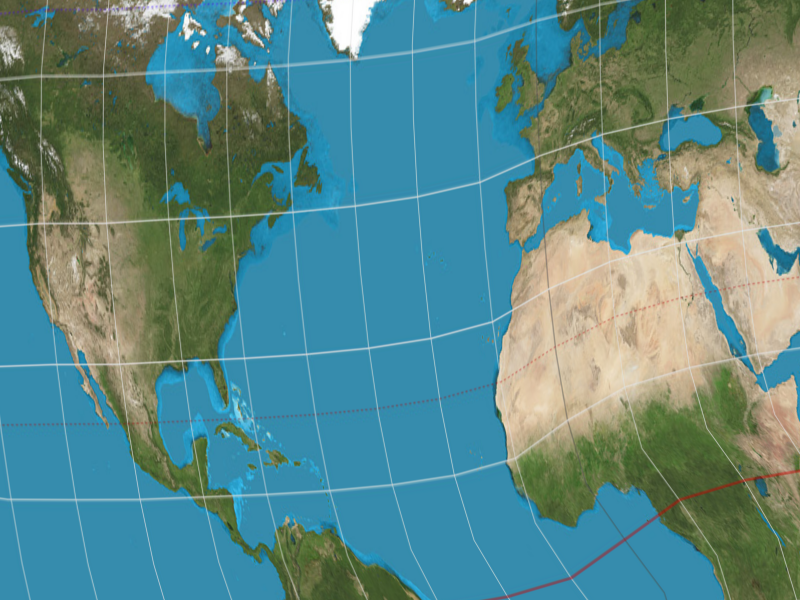
Pixel sampling involves picking a point from one image and using it as the color for another. In other words, it is the process of mapping (u, v) texture coordinates to (x, y) image coordinates to apply a texture to an image. We convert (x, y) coordinates to (u, v) coordinates by first converting to barycentric coordinates. We then use the barycentric coordinate coefficients (alpha, beta, gamma) and apply them to the (u, v) coordinates at the vertices of the triangle to get the (u, v) point. We obtain the color at that point by scaling up u and v by width and height, respectively, and sampling on the texture with that scaled point. The nearest pixel sampling method involves selecting the color at the pixel closest to the specified (u, v) point and the (bi)linear pixel sampling method involves finding the colors of the adjacent pixels to the point and interpolating them. Compared to the nearest pixel sampling method, the linear pixel sampling method is noticeably smoother and has less aliasing. Since choosing the nearest pixel means that some pixels are entirely skipped, bilinearly interpolating does a better job of capturing small details with minimal aliasing.
|
|
|
|
Task 6: "Level sampling" with mipmaps for texture mapping
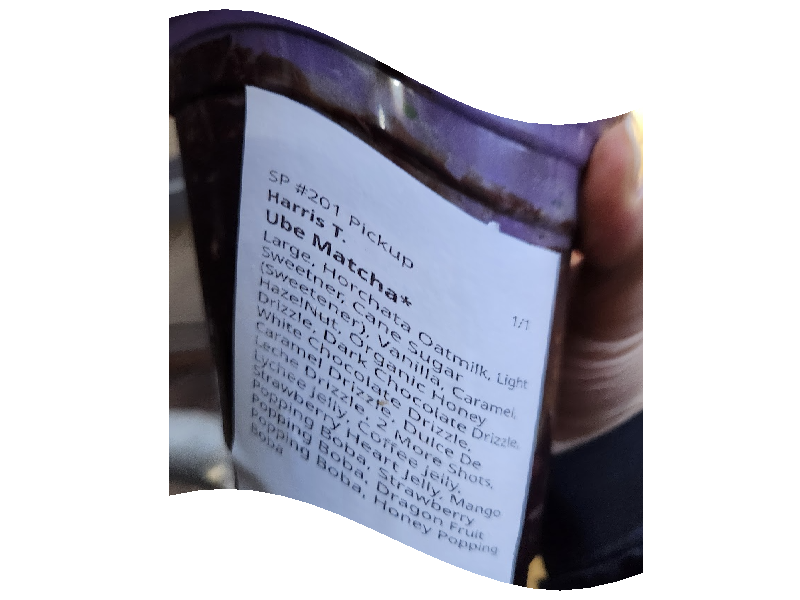
Level sampling is pixel sampling from textures of different sizes, depending on the size of the detail. We determine the size of a feature by calculating the (u, v) values at (x, y), (x + 1, y), and (x, y + 1) and subtracting them to estimate the derivative of (u, v) in the x and y directions. Based on the log magnitude of these derivatives, we calculate a float level value. For the nearest level sampling method, we simply rounded to the nearest level and clipped it, but for the (bi)linear level sampling method, we got the color at the adjacent mipmap levels and linearly interpolated between them. Increasing samples per pixel, or supersampling, is effective at antialiasing by smoothing out jagged edges, but the sample buffer requires sample_rate times more memory and processing this data makes rendering many times slower. Pixel sampling is useful for applying textures, and a linear pixel sampling method also provides antialiasing. It also does not use much memory, just enough for the 0th layer texture, and is not much slower than normal rendering unless it is using the linear pixel sampling method, which causes a noticeable slowdown. Level sampling applies textures and provides a level of antialiasing, while using a moderate amount of memory for the mipmap levels and a moderate amount of compute for rendering, especially if using the linear level sampling method, which doubles the sampling.
|
|
|
|